


- Email: [email protected]
- Call / WhatsApp Us: +91 70650 40985
Related Products
-
Wondershare Allmymusic for Mac
INR 2145.36 -

Wondershare AllMyTube for Mac
INR 2145.36 -
Wondershare DVD Creator
INR 2955.42 -
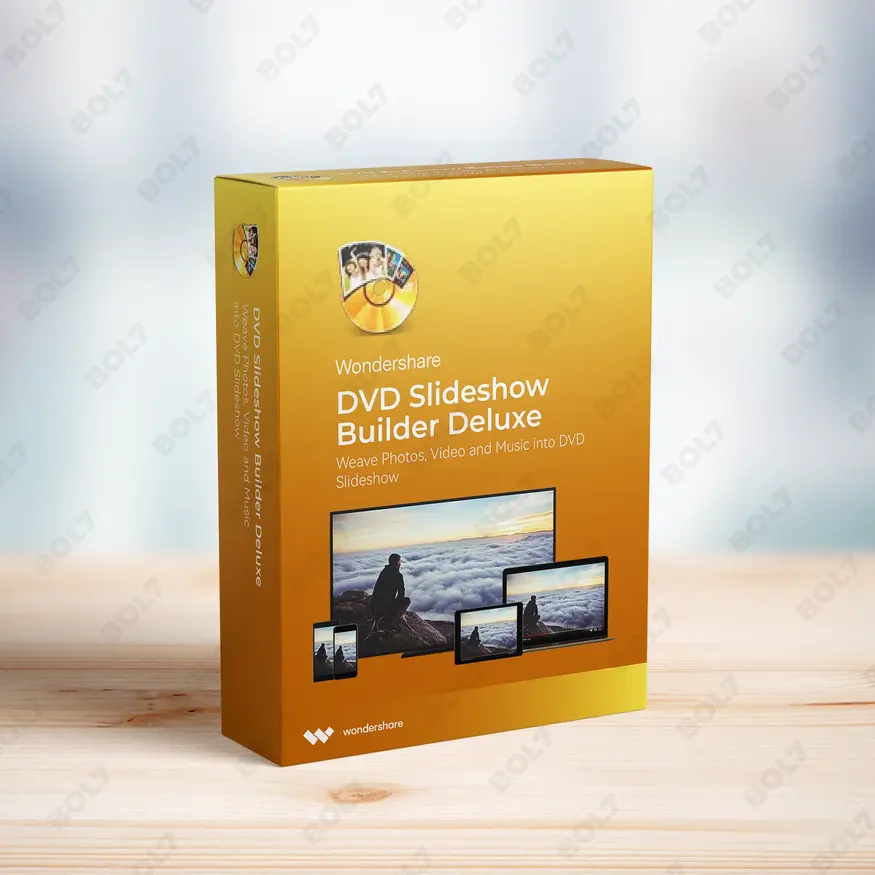
Wondershare DVD Slideshow Builder Deluxe
INR 5174.75 -
Wondershare TunesGo Win - iOS & Android Perpetual
INR 4419.47 -
Wondershare Dr.Fone iOS Erase For Mac
INR 3473.13 -
Wondershare TunesGo Win - Android Perpetual
INR 2945.08 -
Wondershare TunesGo Mac - iOS Devices Perpetual
INR 3682.27
Other Products
- Stellar Photo Recovery Premium For Windows
- Business Owners Database Trinidad And Tobago
- Business Owners Database Ethiopia
- Acronis True Image Premium
- Business Owners Database Bhutan
- Stellar Data Recovery Premium
- Mobile Number Database for Iraq
- EaseUS Fixo Pro 1 Year Plan
- MobileTrans Phone Transfer Perpetual Plan
- ApowerManager Commercial License Yearly Plan
- Readiris PDF Family 365 World Class PDF Manager
- Business Owners Database Liberia
- WolkenLab.com
- WPS Office Mac PDF Converter & Editor Quarterly
- Wise Registry Cleaner Pro 1 Year Plan For 3PCs
- Intego NetBarrier X9 For 5 PC
- Wondershare Dr.Fone Android Recover For Mac
- Business Owners Database Libya
- Wondershare UniConverter 13 Mac Annual Plan
- Business Owners Database São Tomé and Príncipe
- Wise Care 365 Pro Lifetime License For 1 PC
- Cisdem PDF Compressor Mac - Lifetime Plan 5 Macs
- SUSE (LES) ARM 16 Or More Cores Priority 3 Years
- Business Owners Database Indonesia
- Quick Heal Total Security 1PC per Year
Create DVDs, Blu-ray, and data discs with Wondershare DVD Creator for Mac. Supports a variety of formats and comes with free tech support and no watermark.
Key Features: Wondershare DVD Creator for Mac
- Supported Input Formats for Burning DVD: Burn videos and images to DVDs with ease. Wondershare DVD Creator allows you to burn various media types like videos and photos to your DVDs, ensuring versatility.
- Supported Input Formats for Burning Data Disc: In addition to DVDs, you can burn audio files, videos, and images to data discs. This ensures you can store a variety of content on a disc for easy access.
- Supported Output Formats for Burning DVD: Wondershare DVD Creator offers a range of output formats including DVD, Blu-ray DVD (only for Windows), DVD Folder, ISO, and BDMV Folder (only for Windows). For Mac, it also supports DVDMedia output.
- Supported Output Formats for Burning Data Disc: Create DVDs and Blu-ray DVDs (only for Windows) from your media files. This allows you to make professional-quality data discs for sharing and storing your content.
- Forever to use DVD Creator: Once purchased, Wondershare DVD Creator is yours to use forever. There’s no expiration, so you can create DVDs and Blu-ray discs at your convenience.
- All Basic Features: Access all the essential DVD creation features, such as video editing, menu creation, and burning, ensuring you have everything you need for a complete DVD-making experience.
- No Watermark: Wondershare DVD Creator ensures no watermark is added to your burned DVDs. Enjoy a clean, professional-looking disc without any intrusive watermarks.
- Free Tech Support: Get free tech support whenever you need it. Wondershare provides dedicated support to help resolve any issues you may face while using the software.
- Subscription: With a subscription, you get continuous access to Wondershare DVD Creator and its latest updates. Stay up-to-date with the latest features and improvements.
Simple Steps To Get Started
- Purchase the Software: Visit the bol7 platform to purchase Wondershare DVD Creator. After completing your purchase, you will receive an email with the download link and activation details.
- Download the Installer: Click the download link provided in the email. Once downloaded, locate the installer file on your Mac and double-click to begin the installation.
- Run the Installation: Follow the on-screen instructions to complete the installation process. The setup is easy and should take only a few minutes.
- Activate the Software: Once installed, open Wondershare DVD Creator and enter the activation key from your email to unlock all features. This will activate your software for full use.
- Start Using Wondershare DVD Creator: You’re all set! You can now begin burning your videos, images, and audio to DVDs or Blu-ray discs with ease.
Technical Support:
Call / WhatsApp Us:
+91 70650 40985
Email: [email protected]
Sales Support:
Call / WhatsApp Us:
+91 70650 40985
Email: [email protected]
More Products
Explore a trusted Business Owners Database in Djibouti featuring verified names, phone numbers, emails, and websites. …

DecorMaria.com is a premium domain tailored for the growing home décor and interior design market. Whether …

InfluencerHiring.net is a premium domain tailored for businesses focused on influencer marketing and networking solutions. Perfect …

The Business Owners Database for Uzbekistan is a powerful resource for businesses seeking Verified B2B Email …

Wondershare MobileTrans for Mac simplifies the process of transferring data between devices. With support for iCloud, …
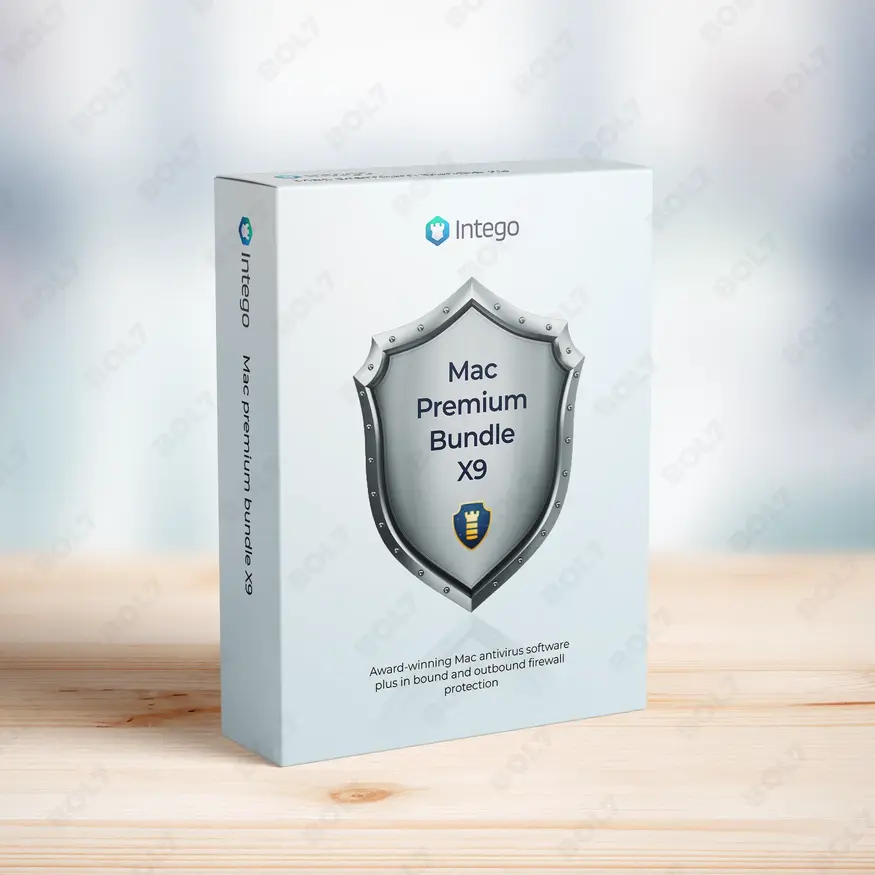
Intego Mac Premium Bundle X9 is the all-in-one security and optimization suite for 3 Macs. It …

Discover a verified Business Owners Database in Bahrain with names, emails, phone numbers, addresses, and websites. …

Discover a reliable Business Owners Database in Ethiopia with verified names, phone numbers, emails, and websites. …

Useful Links
Get In Touch
[email protected]
+91 70650 40985
- live:hemant_136
A-27J, Noida Sec 16, Gautam Buddha Nagar, Uttar Pradesh 201301
Stay connected & Informed
Join our WhatsApp Channel
ⓒ 2024 BOL7 All Rights Reserved
Don't Miss Out...
Take up to 2% off your first order!
Use the discount code below and save 2% on this order now.
Coupon Code Copied!